IPTV Setup Guide: How to Install IPTV Ireland on Any Device

Simple step-by-step instructions to install your IPTV subscription on Firestick, Android TV, Smart TVs, iPhone, MAG and computers. Most setups take less than 10 minutes.

Before You Start

Make sure you have these four things ready.

  • An active plan or trialSee our plans or ask for a 30-minute free trial.
  • Your login detailsSent to you on WhatsApp after activation.
  • A stable connection15 Mbps for HD, 25 Mbps or more for 4K.
  • A compatible deviceChoose yours below to see the steps.

How to Install IPTV on Amazon Firestick

Firestick and Fire TV devices need a small setting change before you can install the player app.

  1. Enable Developer Options

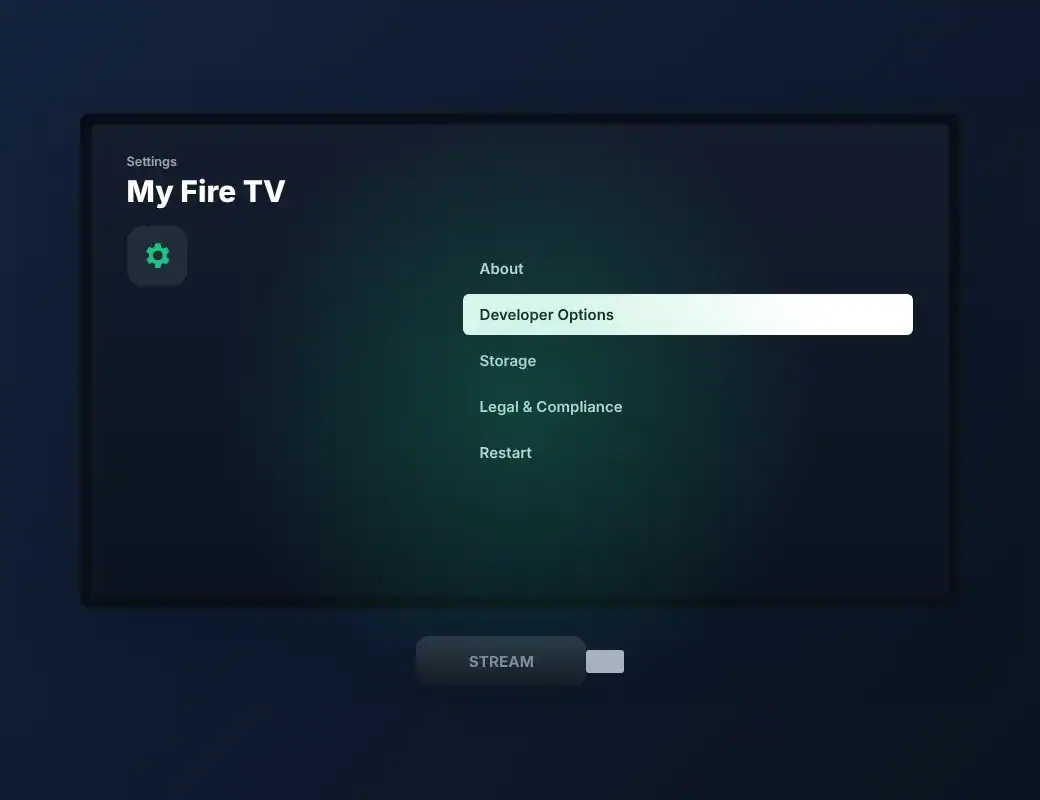
    Go to Settings → My Fire TV → About, then click your device name 7 times until "You are now a developer" appears.
  2. Allow app installs

    Go back to Settings → My Fire TV → Developer Options and turn on Install unknown apps (or Apps from Unknown Sources) for the Downloader app.
  3. Install Downloader

    Search for "Downloader" from the Fire TV home screen and install it from the Amazon Appstore.
  4. Install the player app

    Open Downloader and enter the app link sent by our support team on WhatsApp, then install it.
  5. Log in and watch

    Open the player app and enter the login details (username, password and server URL) we sent you.

Tip: Use the Firestick on a 5 GHz Wi-Fi network or an Ethernet adapter for the most stable streaming. More detail in our Firestick IPTV guide.

TV settings screen with My Fire TV open and Developer Options highlighted, next to a streaming stick

How to Install IPTV on Android TV and Android Boxes

Works on Android TV, Google TV, Nvidia Shield, Xiaomi Mi Box and most Android boxes.

  1. Open the Google Play Store

    From your Android TV home screen, open the Play Store app.
  2. Install the player app

    Search for the player app recommended by our support team and install it.
  3. Open the app

    Launch the app and choose to add a new playlist or login with Xtream Codes API.
  4. Enter your login details

    Type the username, password and server URL we sent you on WhatsApp, then save.

Tip: Restart the app after the first login so the full TV guide (EPG) loads correctly.

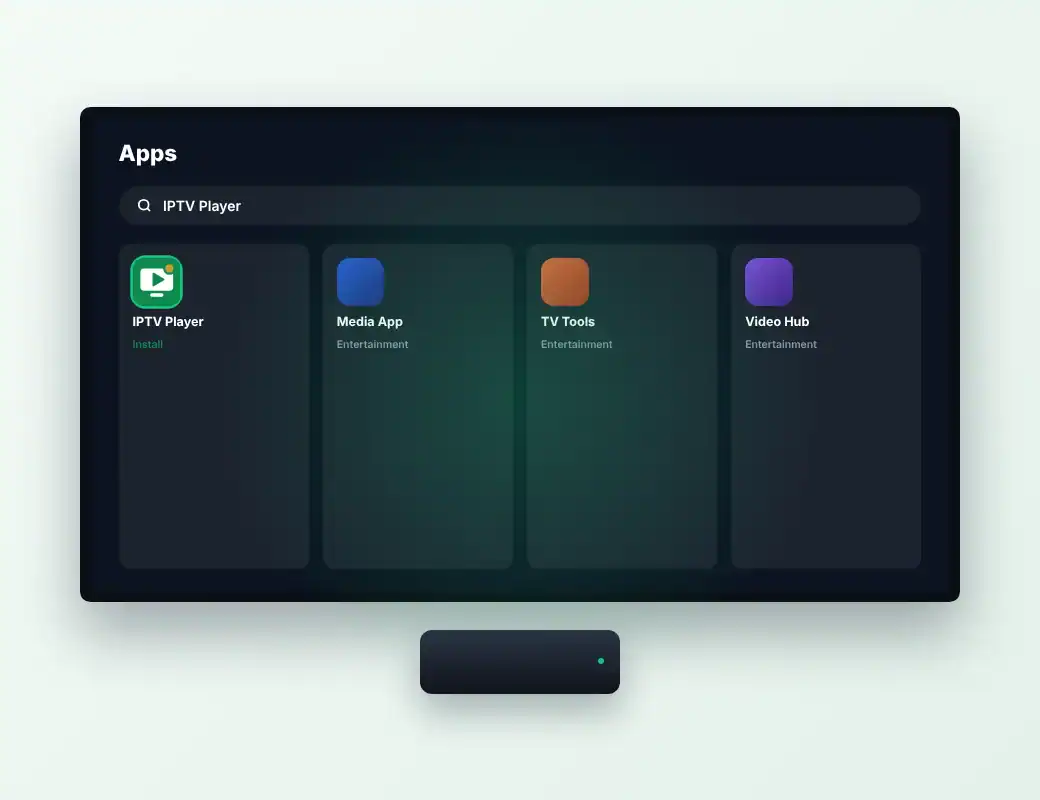
Android TV app store search results with the IPTV player app highlighted, and an Android TV box

How to Install IPTV on Samsung and LG Smart TVs

Samsung (Tizen) and LG (webOS) Smart TVs use a player app from the TV's own app store.

  1. Open the TV app store

    Samsung: press Home and open Apps. LG: press Home and open the LG Content Store.
  2. Install the player app

    Search for the player app recommended by our support team and install it.
  3. Note your device code

    Some player apps show a MAC address or device key on screen. Send it to support on WhatsApp if asked.
  4. Add your playlist

    Enter your login details in the app, or we activate the playlist for you using your device code.
  5. Restart and watch

    Close and reopen the app to load your channels and TV guide.

Tip: Some Smart TV player apps have their own small yearly activation fee charged by the app developer, separate from your IPTV subscription.

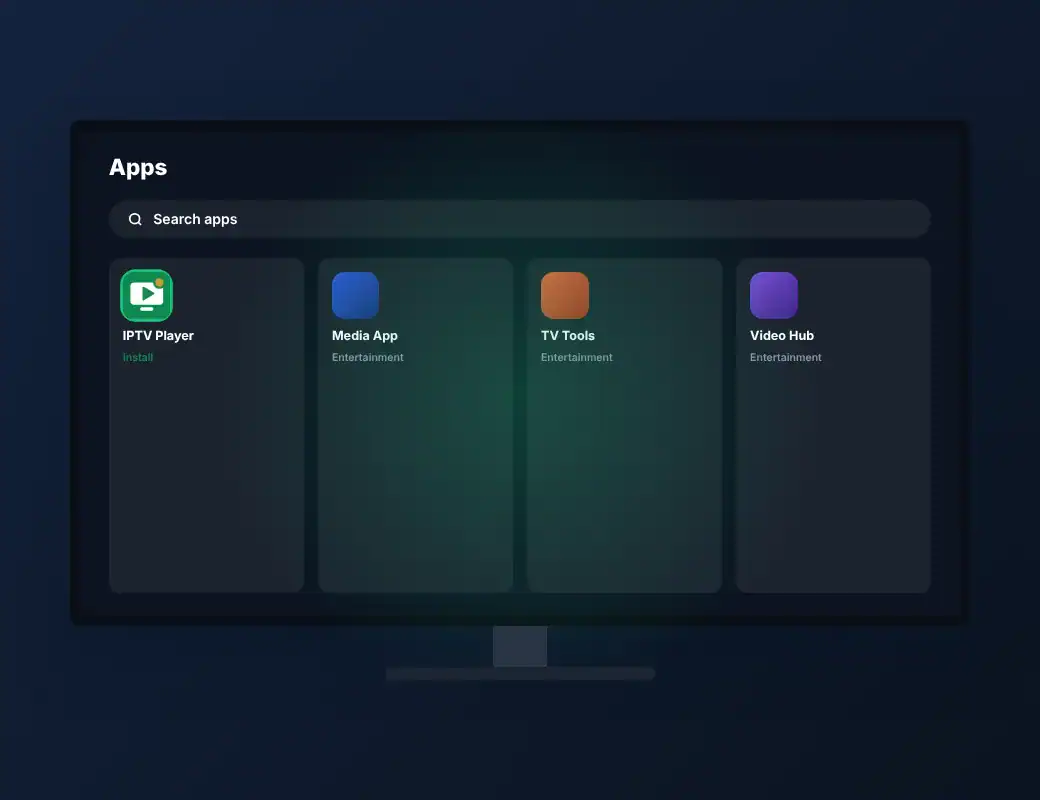
Smart TV apps screen with a search bar and an IPTV player app ready to install

How to Install IPTV on iPhone, iPad and Apple TV

Use a player app from the Apple App Store on any recent iPhone, iPad or Apple TV.

  1. Open the App Store

    On your iPhone, iPad or Apple TV, open the App Store.
  2. Install the player app

    Search for the player app recommended by our support team and download it.
  3. Add your login

    Open the app, choose to add a playlist or Xtream Codes login and enter your details.
  4. Start watching

    Your channels, movies and series load in a few seconds.

Tip: On Apple TV, use a wired Ethernet connection for 4K channels.

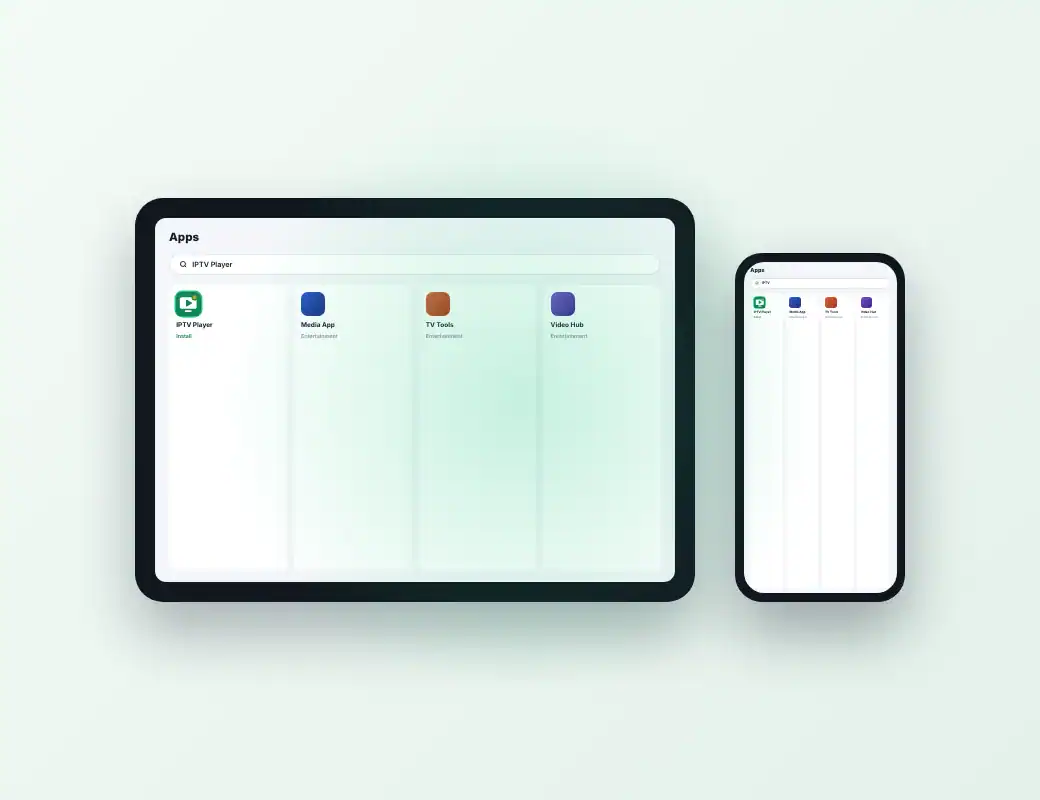
iPad and iPhone showing an app store search with an IPTV player app

How to Set Up IPTV on a MAG Box

MAG devices connect through a portal address linked to your box's MAC address.

  1. Find your MAC address

    It is printed on the sticker under the MAG box (starts with 00:1A:79).
  2. Send it to support

    Message support on WhatsApp with your MAC address. We link it to your subscription and send you a portal URL.
  3. Open the portal settings

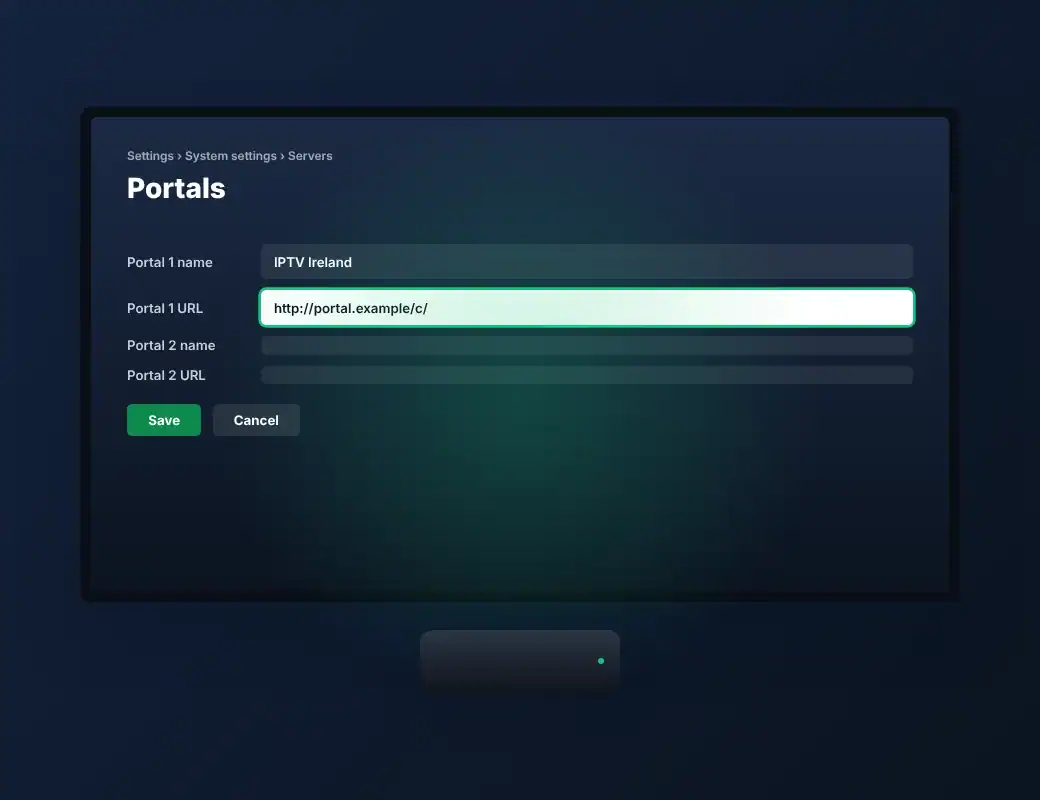
    On the MAG box, go to Settings → System settings → Servers → Portals.
  4. Enter the portal URL

    Type a portal name and the portal URL we sent you, then save.
  5. Restart the box

    Reboot the MAG box. Your channels load automatically.

Tip: Type the portal URL exactly as sent, including the slash at the end.

MAG box settings screen showing the Portals menu with a portal URL field

How to Watch IPTV on Windows and Mac

Watch on your computer with a desktop player app.

  1. Install a player app

    Download the desktop player app recommended by our support team (for example, VLC media player for M3U playlists).
  2. Add your playlist

    Open the app and add the M3U link or Xtream Codes login we sent you.
  3. Start watching

    Choose a channel or film from the list and press play.

Tip: Desktop apps are ideal for testing your free trial before setting up your TV.

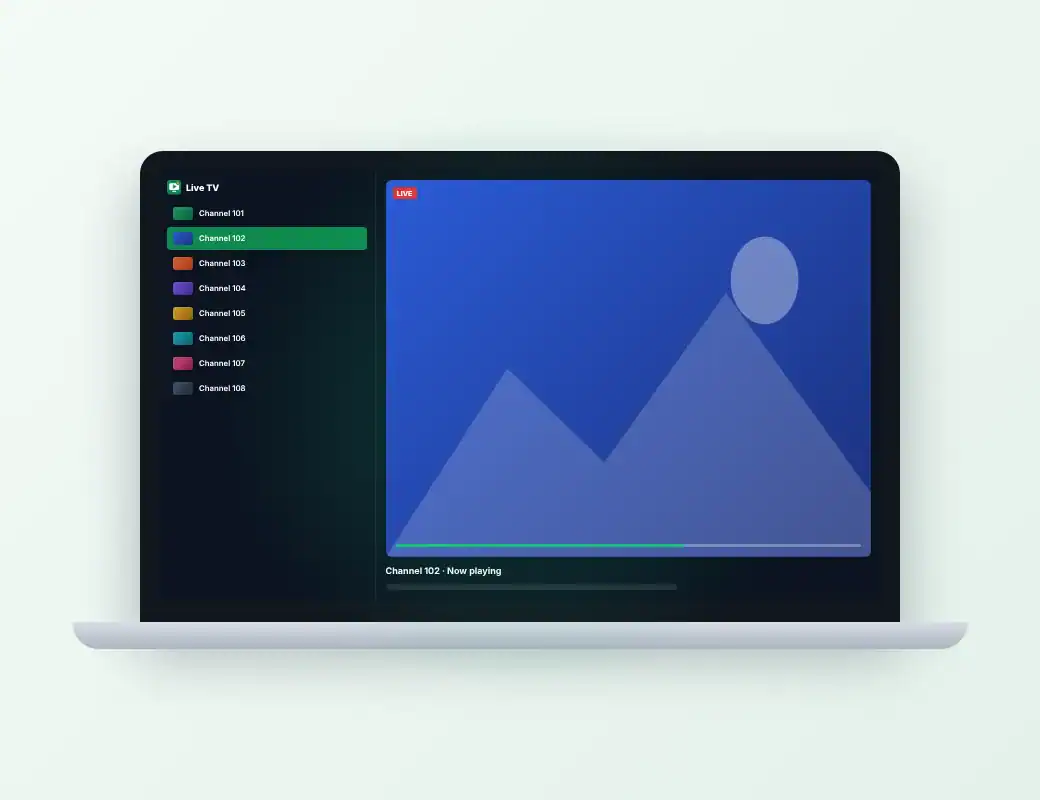
Laptop screen showing an IPTV player app with a list of live channels

Common Setup Problems & Quick Fixes

Try these steps first. If the problem continues, our team will help you on WhatsApp.

Login error

  • Check username, password and server URL for typos or spaces.
  • Make sure your plan or trial is still active.

Buffering or freezing

  • Restart your device and router.
  • Use Ethernet or 5 GHz Wi-Fi.
  • Try the HD version of the channel.

Empty TV guide (EPG)

  • Refresh or update the EPG in the app settings.
  • Close and reopen the app.

More answers in our troubleshooting FAQ, our guide to fixing IPTV buffering and the internet speed guide.

Free trial

Test Your Setup with a 30-Minute Free Trial

Test the picture quality, channel list and stability on your own device. No payment needed for the trial.

Message Support on WhatsApp

Stuck? We'll Set It Up With You

Message our support team on WhatsApp with your device name and we will guide you step by step, 7 days a week.

Message Support on WhatsApp
Scroll to Top